Enter your brand details once.
Reuse them in every draft.
Import public website details or add your products, services and photos. Review the information before using it in your content.
Turn your brand details into copy, posters and a content plan.
Bring social content, SEO articles, email preparation and ad insights into one place.
Review each result and decide what comes next.
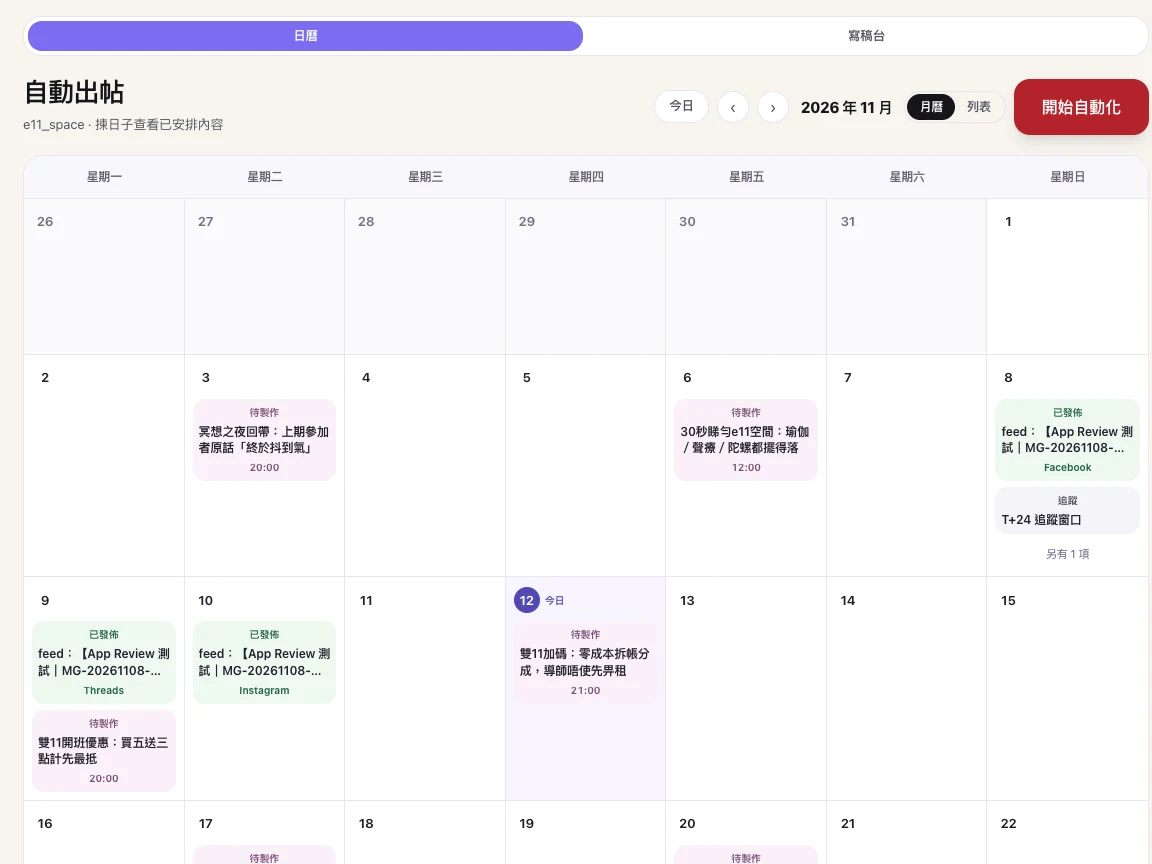
Actual Chinese-language workspace screen; account details hidden. Screenshots show the interface, not performance claims.
Less repetition. A clearer direction.
Build a content workflow around your brand, even when you run the business on your own. Organise the next steps in one place.
Import public website details or add your products, services and photos. Review the information before using it in your content.
Develop topics around your products, useful advice and seasonal moments, then adapt your copy for different channels.
Preview your content in the calendar. Edit drafts, confirm the plan, move dates or cancel a schedule.
Bring available channel results and monthly reviews together. Keep useful lessons in your learning library.
INSIDE THE WORKSPACE
Real screens from the app, so you can see how the workflow fits together.
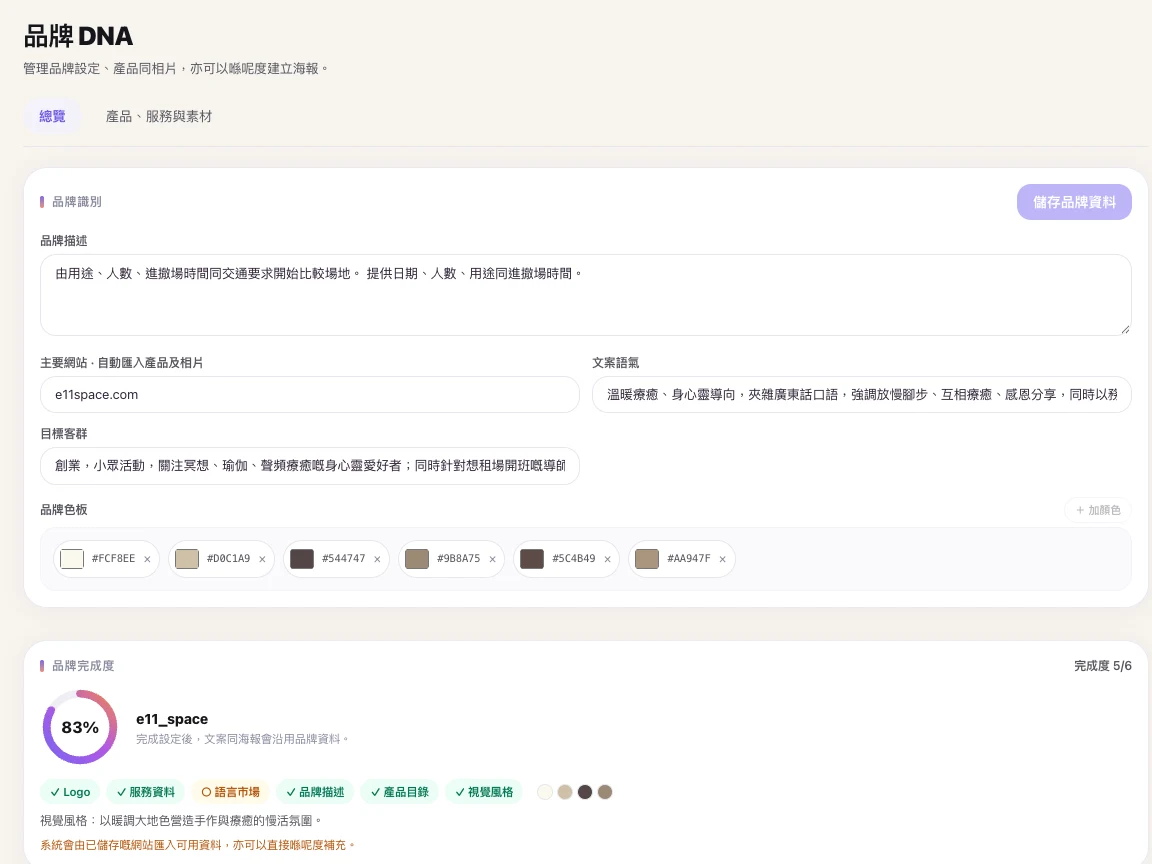
Keep your brand information, products and assets together.
View full screen ↗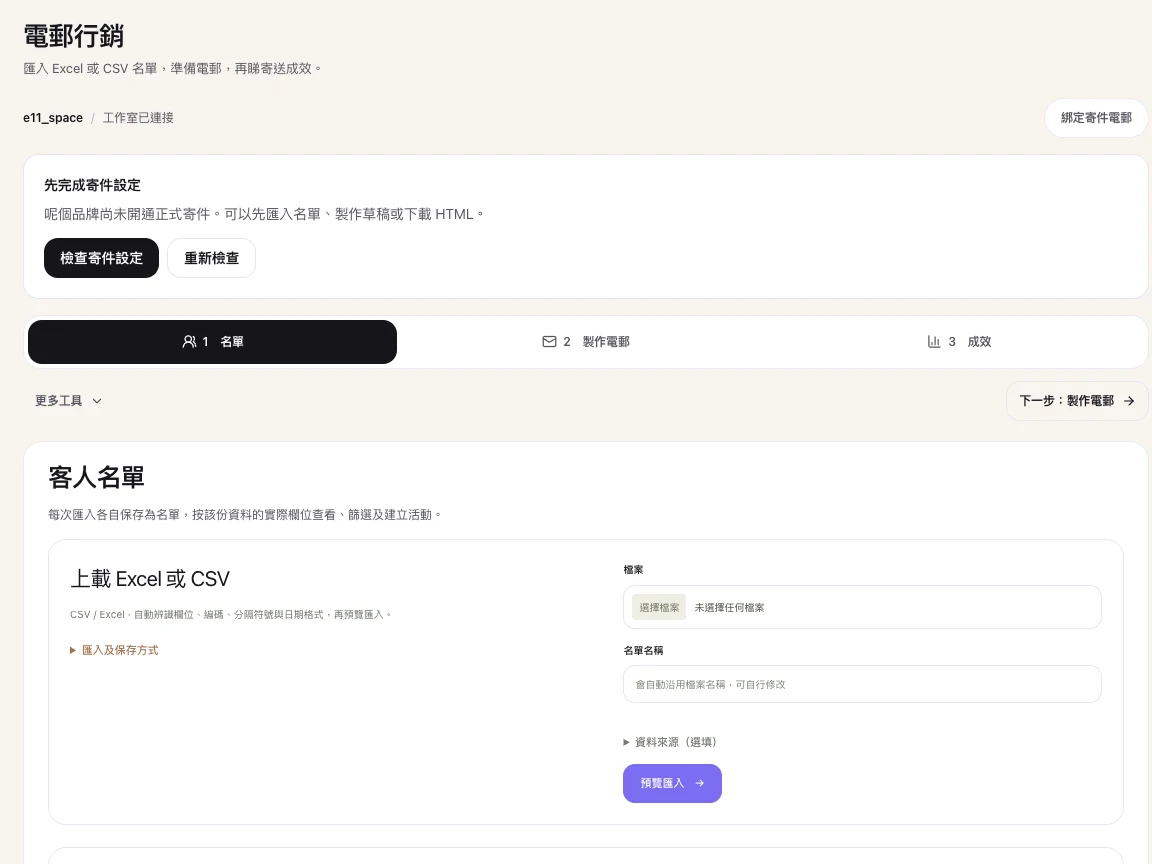
Organise audiences and draft emails. Live sending is not enabled.
View full screen ↗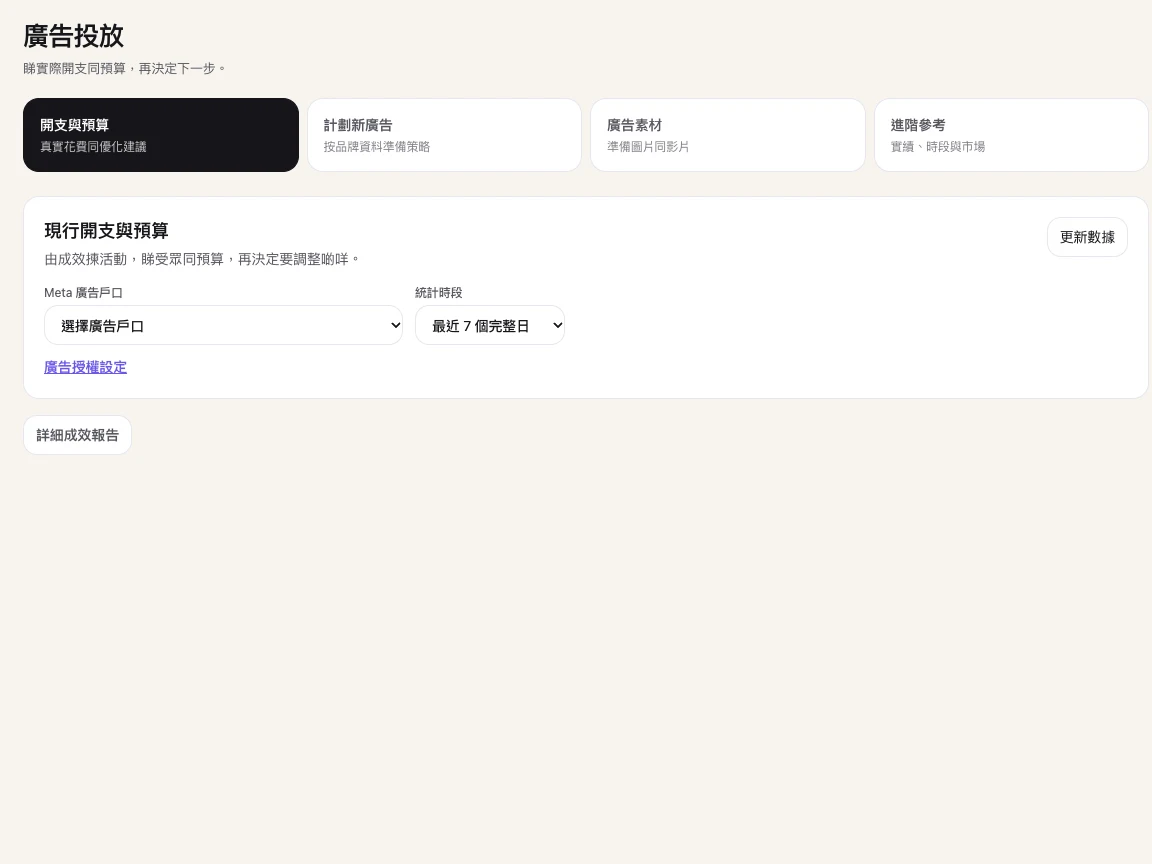
See ad reports and recommendations when the connection is available.
View full screen ↗Actual Chinese-language workspace screen; account details hidden. Screenshots show the interface, not performance claims.
Choose the products to focus on, balance your content topics and plan for seasonal moments. Keep every draft in view.
Reuse your brand colours, product information and assets. Pair copy with a poster and choose whether to include your logo.
Review available post results, search performance and ad spend. Use the monthly review to choose the next experiment.
Prepare articles around your products and services, export website-ready drafts, and review Google performance after authorising supported data sources.
Import Excel or CSV lists, organise audiences, create emails and export HTML. Live email sending is not enabled yet.
Review available Meta ad spend, clicks and conversions. Use the evidence to assess suggestions before deciding on a change.
START WITH YOUR BRAND
Create a brand workspace, import your website or enter your details, then confirm your products, services and brand colours.
Select the products to focus on, adjust the content mix and generate copy and posters. Review and edit the results before confirming your plan.
Prepare your content and schedules, then use the channels enabled for your account. Meta automatic publishing is awaiting platform approval. Use available results to inform the next round.
FOR PEOPLE BUSY RUNNING A BUSINESS
“I have a new product to promote.
What should I post this month?”
That is a useful place to start.
Turn your brand information into specific content ideas. Choose a direction, review the results and decide how to proceed.
START WITH ONE BRAND
Plans include monthly credits. Usage varies by feature; review the limits and availability for your account.
Paid plans are available in your account, with optional credit packs. Start with a free trial and choose a plan based on the features available to your account.
For a business focused on one brand.
HK$488 billed monthly
Monthly subscription
For studios and businesses managing several brands.
HK$988 billed monthly
Monthly subscription
For managing multiple client brands.
HK$1,988 billed monthly
Monthly subscription
1 brand workspace · 1 user seat · 50 trial credits · No credit card
All prices are in Hong Kong dollars. Annual plans are paid upfront; included credits are issued monthly. Image generation uses credits and is subject to plan limits. Publishing, data sync and website connections depend on authorisation and availability. Meta automatic publishing is awaiting platform approval; live email sending is not enabled. Advertising media costs are separate.
BEFORE YOU START
Yes. Start with your brand details and choose a product or service to promote. Review the suggested topics, copy and posters, then edit and organise them in your content calendar.
Yes. Enter your brand, product and service details and upload your photos. If you have a website, you can import information from its public pages and review it before saving your brand profile.
The 20-day trial includes 1 brand workspace, 1 user seat and 50 trial credits. No credit card is required. Features use credits at different rates, and image generation has separate plan limits.
Meta automatic publishing is awaiting platform approval. You can prepare drafts and schedules now. Publishing on other channels depends on authorisation and which integrations are enabled. Check the connection centre for the functions available to your account.
Prepare audiences and email content, and export HTML; live email sending is not enabled yet. For advertising, review available Meta performance data and optimisation suggestions. Account authorisation and enabled features determine which functions are available.
AI features use credits, with usage and limits varying by feature and plan. Review your account’s plan and usage details before generating. Contact us if you need more capacity or help with billing.
No. You can draft SEO content, review authorised Google reports and save model-knowledge observations for human review. Those observations are not live platform rankings, and search visibility or results cannot be guaranteed.
Try 20 days free and bring your copy, posters and schedules together.